
Bead pattern maker
Design your own bead patterns bead by bead, in real Miyuki Delica colors, on the right grid for your stitch. Then see the piece in 3D and print a chart you can follow.
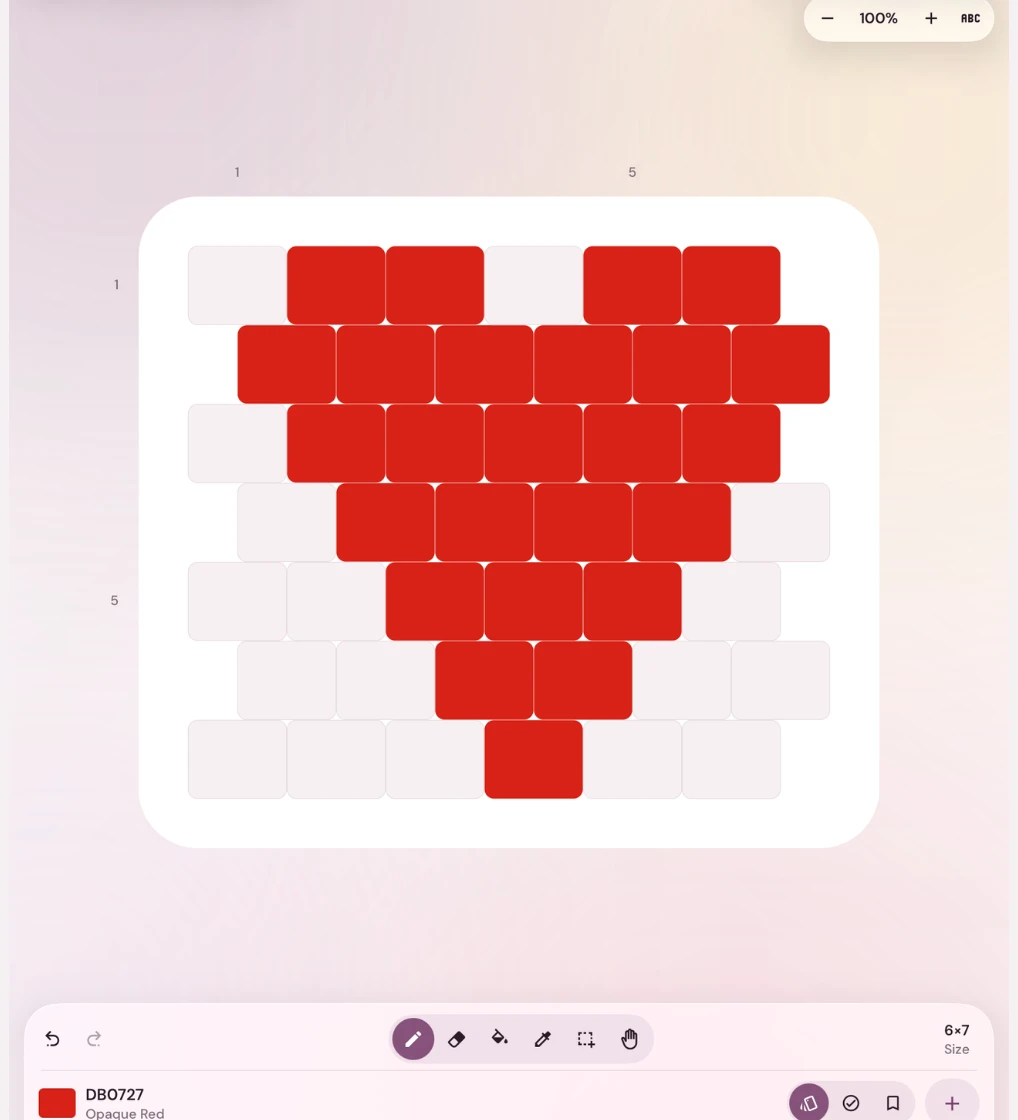
The right grid for every stitch
Loom is a straight grid. Peyote shifts every other column by half a bead, brick stitch every other row. Fringe earrings get a brick stitch top with strands, and crochet rope wraps into a tube. You draw on the grid your beads will really sit on.
Real Delica colors
Paint with the full Miyuki Delica 11/0 range, every color with its DB code, and keep the beads you own in your own palette. The app counts every color and tells you how many grams to buy.
See it before you bead it
The 3D preview shows the finished bracelet, earring or rope, so you can fix a color before you string a single bead.
Charts you can print
Export a PDF with a color chart, a lettered chart, written row-by-row instructions and the bead list, or a picture to share.
Pick your stitch
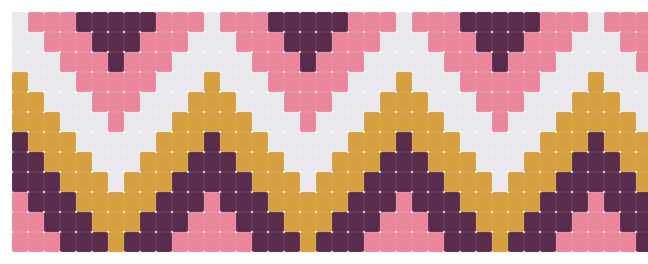
Loom
Design loom bracelets, bands and pixel-style pictures on a straight grid, with real Miyuki Delica colors and a 3D preview of the finished piece.
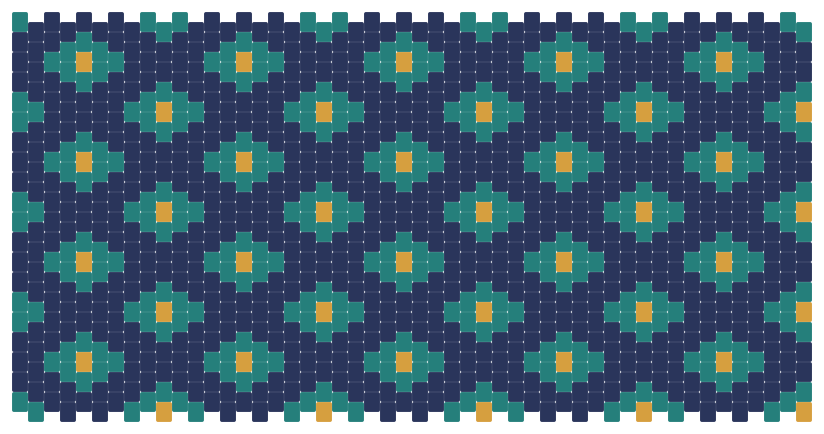
Peyote
Design peyote cuffs, pen wraps and rings on a grid that shifts every other column by half a bead, just like peyote does, with written instructions to follow.
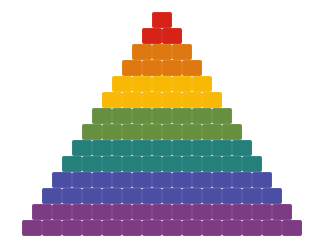
Brick stitch
Design brick stitch earrings, charms and pendants on a grid where every other row shifts by half a bead, the way brick stitch really sits.
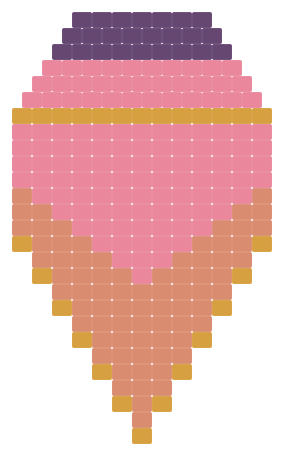
Fringe earrings
Design fringe earrings in one piece: a brick stitch top and the strands that hang from it, sized for you, in real Delica colors.
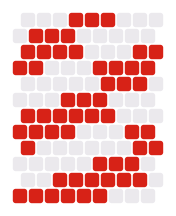
Bead crochet rope
Design bead crochet ropes, bangles and lariats. Paint the rope, and the app finds the repeat and writes out the stringing order for you.
How it works
- Pick a stitch and a size: a preset like bracelet, cuff, earring or tassel, or your own width and rows.
- Choose your Delica colors and paint. Draw, fill, pick a color from the design, or select a motif to copy, flip and rotate.
- Open the 3D preview to see the piece made up. Resize at any time; your beads stay put.
- Export the PDF pattern and start beading, or save the design and come back to it on another device.
Made by beaders
ShineBead comes from our family studio, where we make beaded jewelry and sell patterns on Etsy. We built the pattern maker we wanted for our own work: one place for every stitch we use, with the bead colors we actually buy, and charts that are easy to follow at the table.
Not sure where to begin? Start from one of the free starter designs in the app and change it, or browse our free bead patterns and beading guides. Planning the size first? The bead calculator works out how many beads a bracelet needs.
Questions
Is the bead pattern maker free?
Yes. You can design for free in the iPhone, iPad and Android app. A free account keeps up to 3 designs and gives you 5 PDF or image exports. Premium, an optional subscription, adds unlimited designs and exports and keeps your designs in sync on all your devices.
Which stitches can I design?
Loom, peyote, brick stitch, fringe earrings (a brick stitch top with fringe) and bead crochet rope. Square stitch fits the loom grid too, since the beads sit in straight rows and columns.
Can I use seed beads instead of Delicas?
The colors come from the Miyuki Delica 11/0 range, and the bead shapes and sizes in the app are Delica proportions. You can still follow a chart with round seed beads; the piece will come out a little different in size and the rows less even.
Can I sell patterns I design?
Yes, your designs are yours. You can add your name or shop name to the PDF cover and to the foot of every page.
Does it work on a computer?
Yes, once you have an account. Create it in the iPhone, iPad or Android app, then sign in at shinebead.org/design and your designs are on your phone, tablet and computer.